Demos / Membership showcase
Your schema, your components, 4 screens
A Cal.com Prisma schema becomes a Membership workspace: a filterable list, a record detail, an editable form and a timeline. OODS Foundry generates React and Vue apps using reviewed components from public shadcn projects.
This is the OODS Foundry team's recorded walkthrough. The records are generated samples, not data from Cal.com. These images are recorded output; they do not run an application on this page.
Watch the recording · Try the prompts · Inspect the screenshots
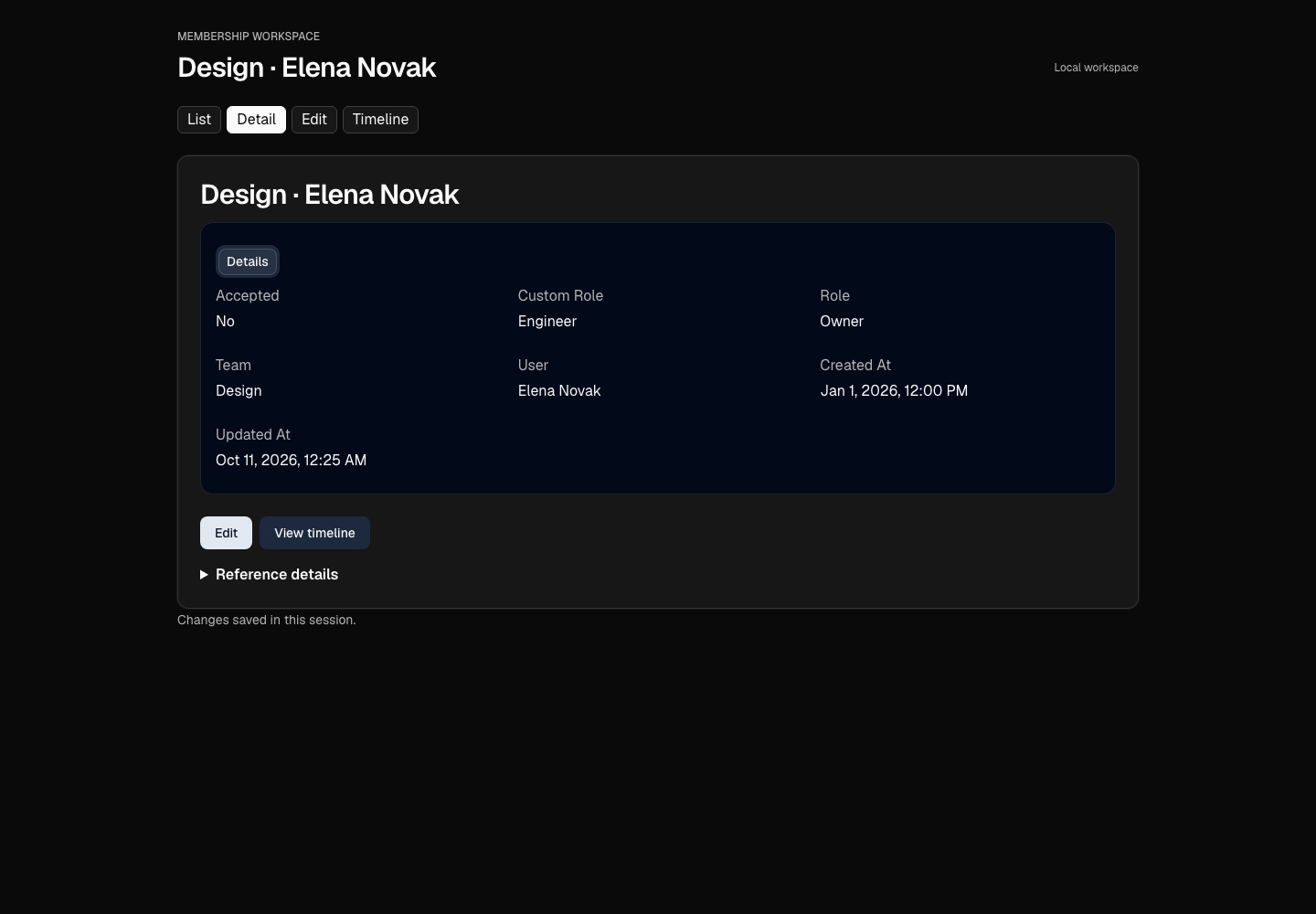
Watch the recorded workflow
The 23.76-second React recording moves through list, detail, form and timeline in light and dark. It is the original 0.11.1 recording, retained after the team compared 8 route/theme views from the rebuilt 0.11.2 app.
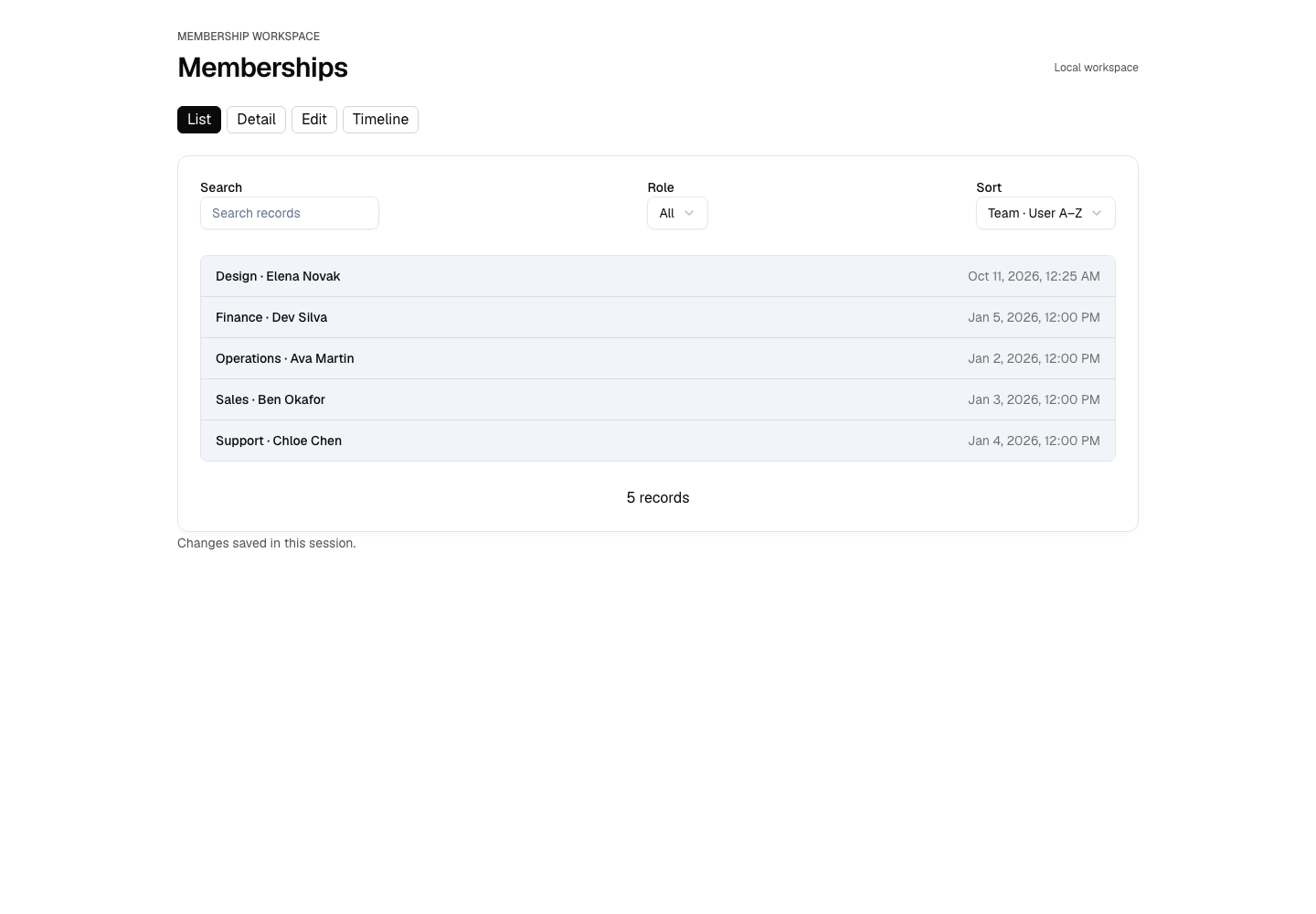
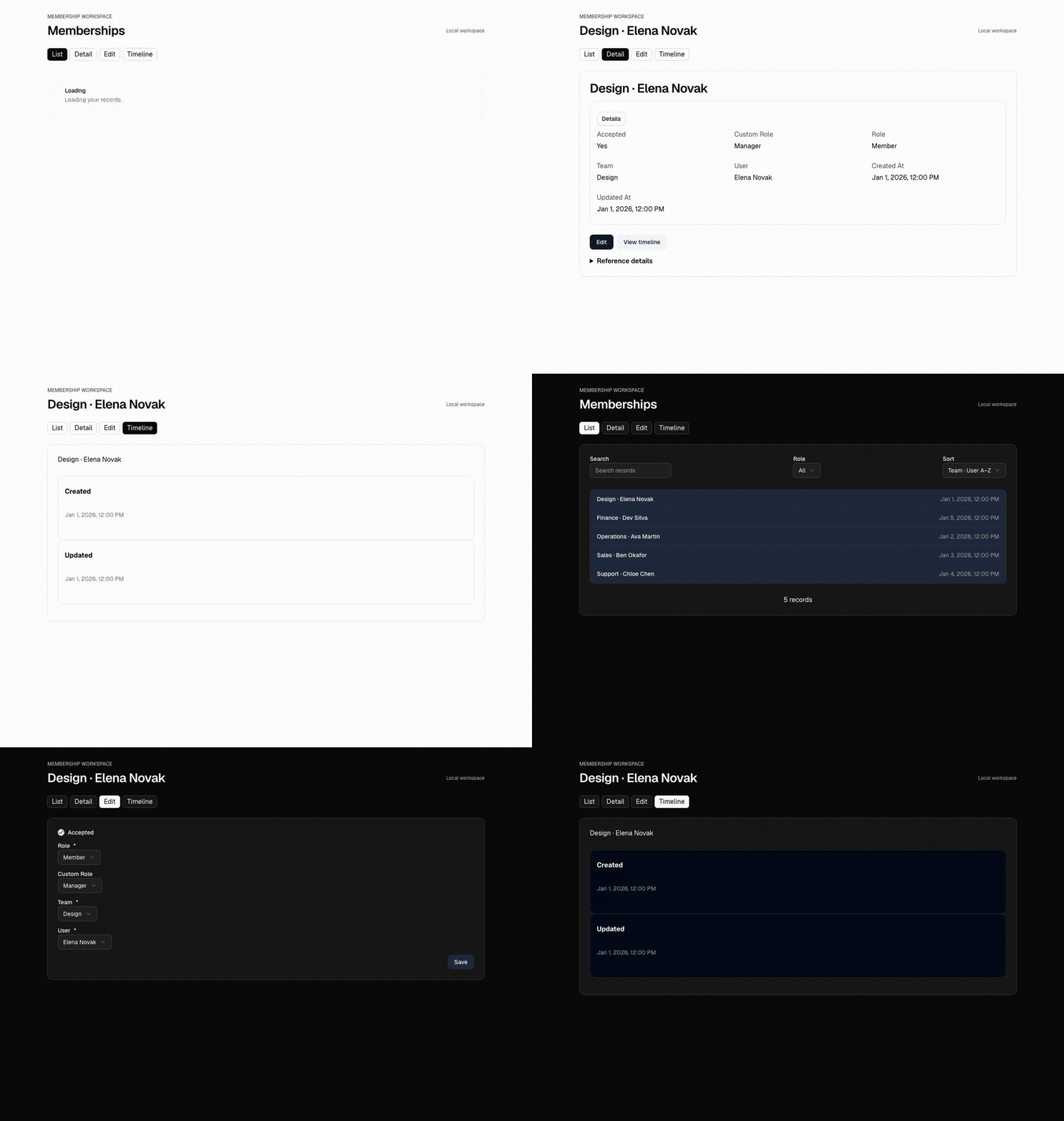
Reduced motion is enabled. The recording stays still; inspect each screen in the gallery below.
Original recording on GitHub · Download the original GIF

Recording SHA-256
c73912a364ff4d7c58bef7f8e508066f1dfb37f5b9cacd381af473ed0cfb14df
The decisions between schema and screens
The draft contained 102 objects and 183 valid trait proposals: 69 strong and 114 medium. Unsupported source elements and relationship cycles remained in the report. Importing a schema does not reproduce every Prisma constraint.
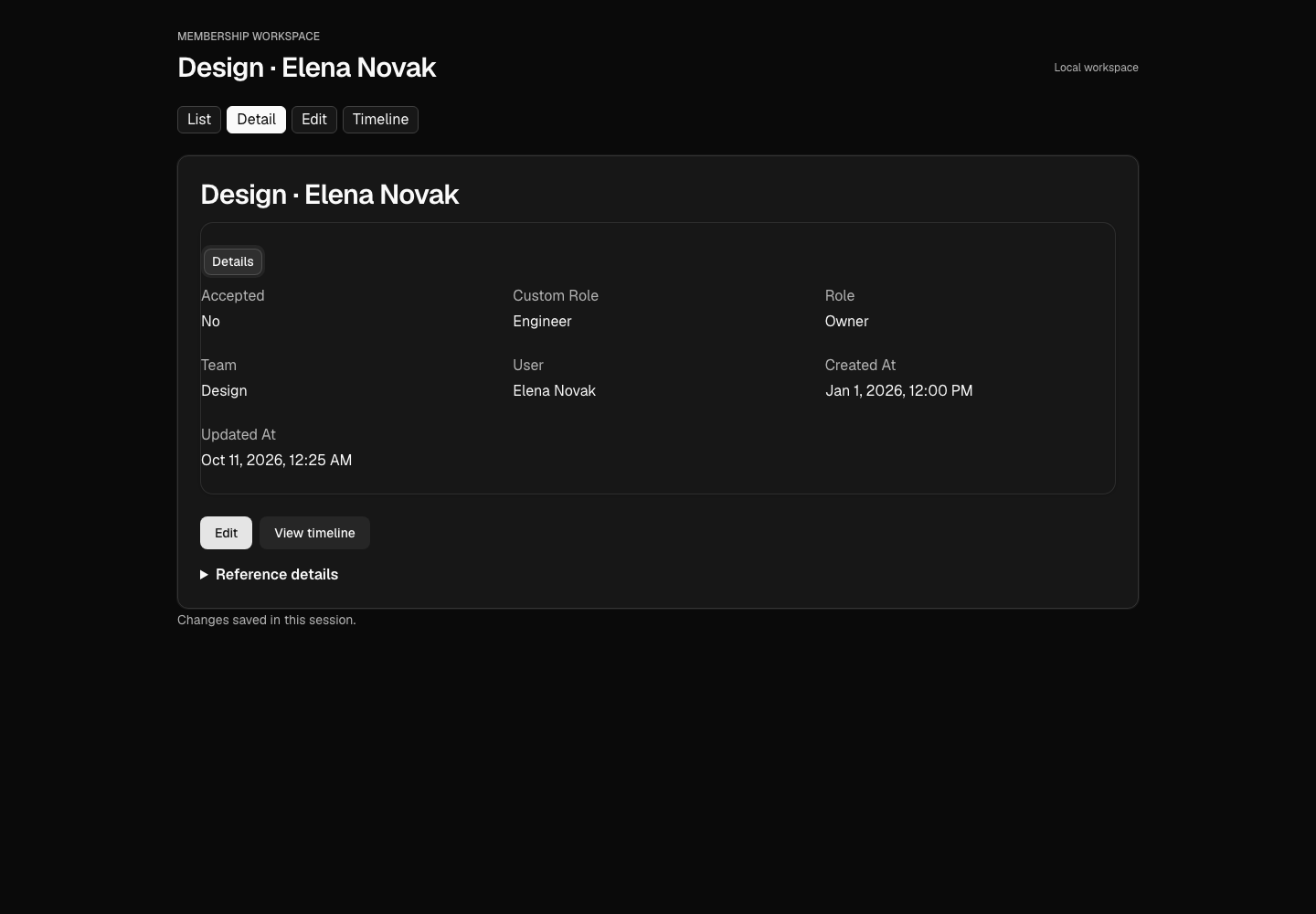
Membership has no name field. Its title joins the Team and User references, such as “Design · Elena Novak”. Its role values stay OWNER, ADMIN and MEMBER; the screens show Owner, Admin and Member.
The team accepted Timestampable for Membership's dates. It declined Stateful because roles are not lifecycle states, and Ownerable because its proposed field bindings were empty. Replacing the shipped User definition required an explicit confirmation so the imported references could resolve.
The accepted component mappings supplied 14 React adapters and 16 Vue adapters. Unmapped components kept their OODS implementations. These mappings are proposals from structural evidence, not behavioral certification.
Try the same workflow
Use Node.js 22 or newer and Claude Code in a scratch workspace. Download the pinned Prisma schema. The importer reads that local file; it never connects to a database.
Connect the local tool
claude mcp add oods-foundry -- npx -y @oods/foundry@0.11.2Restart Claude Code. Use your own shadcn project or the pinned projects linked below. Keep the project's manifests, aliases, CSS and installed dependencies. Install these libraries in the component project before applying adapters:
npm install @oods/components-react@0.11.2 @oods/component-contracts@0.11.2 @oods/component-styles@0.11.2 @oods/tokens@0.11.2For Vue, replace @oods/components-react with @oods/components-vue at the same version. The pinned Vue example needs --legacy-peer-deps for its upstream Vite plugin's peer range. Generated apps use plain npm install. The MCP connection does not install project dependencies.
Draft and inspect
Read this Prisma schema with OODS Foundry. Show me the objects, the traits you propose and why, and what you could not read. Inspect Membership in detail. Do not apply it yet.
Accept the reviewed choices
For this scratch demo, apply all 102 object definitions so their references resolve. Accept only Membership’s Timestampable proposal; leave the other trait proposals unaccepted. Confirm replacing the shipped User definition with the reviewed Cal.com User definition: Membership’s integer user references need that definition. Then draft mappings from my local shadcn project and show what is supported before applying them.
Compose and generate
Compose Membership as list, detail, form and timeline. Create a workflow from those screens, preview it, then generate complete React and Vue applications with the accepted components. Save the returned files unchanged.
Copy the returned payload files to separate app folders, keep them unchanged, and follow each generated README:
npm install
npm run build
npm run dev
Generated apps pin the OODS release that generated them. Regenerate to upgrade, or move all 4 pins together. Read the complete walkthrough and tool calls.
Recorded screenshots
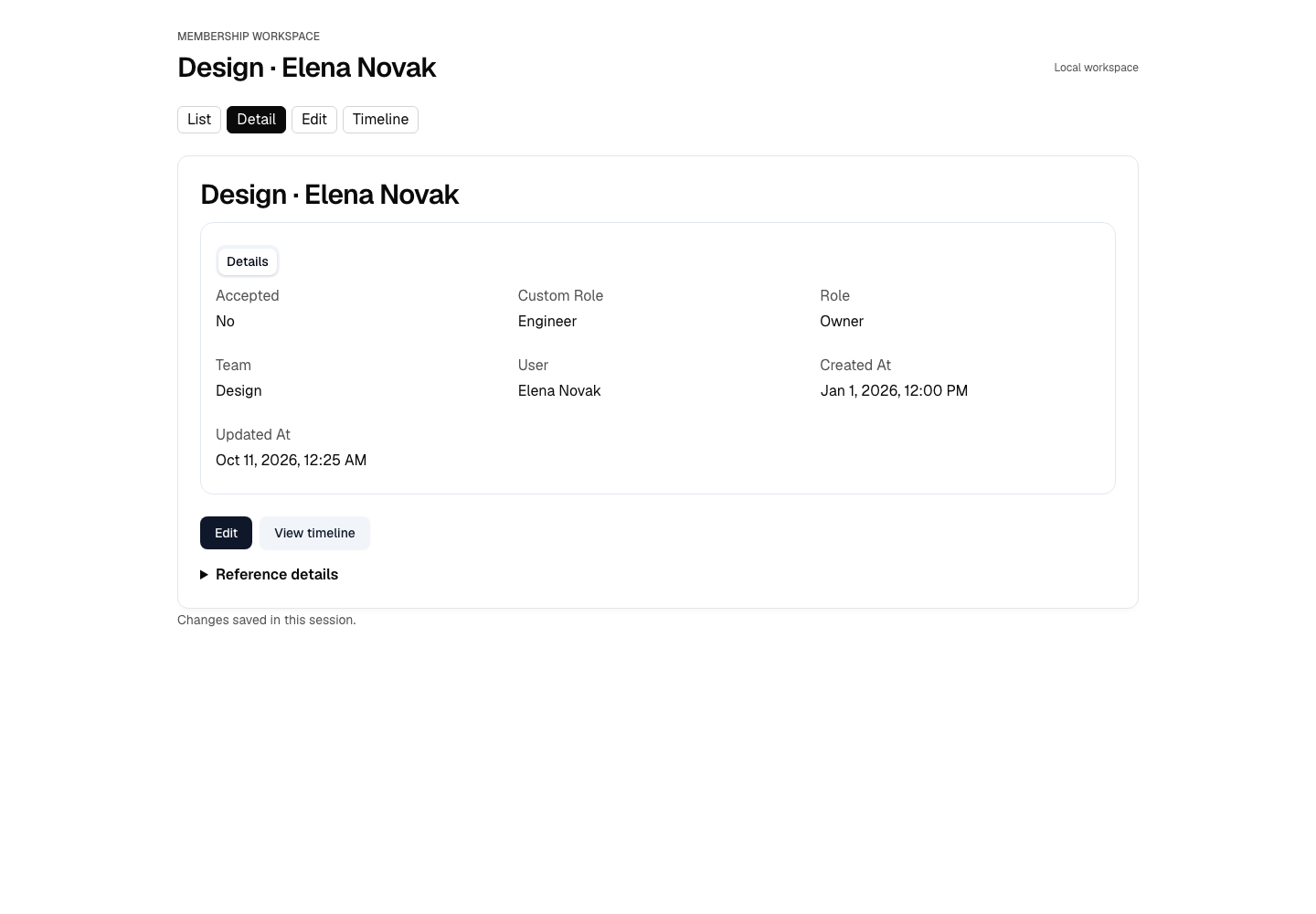
Open a group, then open any image at its original size. These 18 published captures are kept byte-for-byte, including the phone views.
React in light
f887c83f1678f53ab30788c5c2a5e1c29cf28194fa13ed1603637af9eac4af97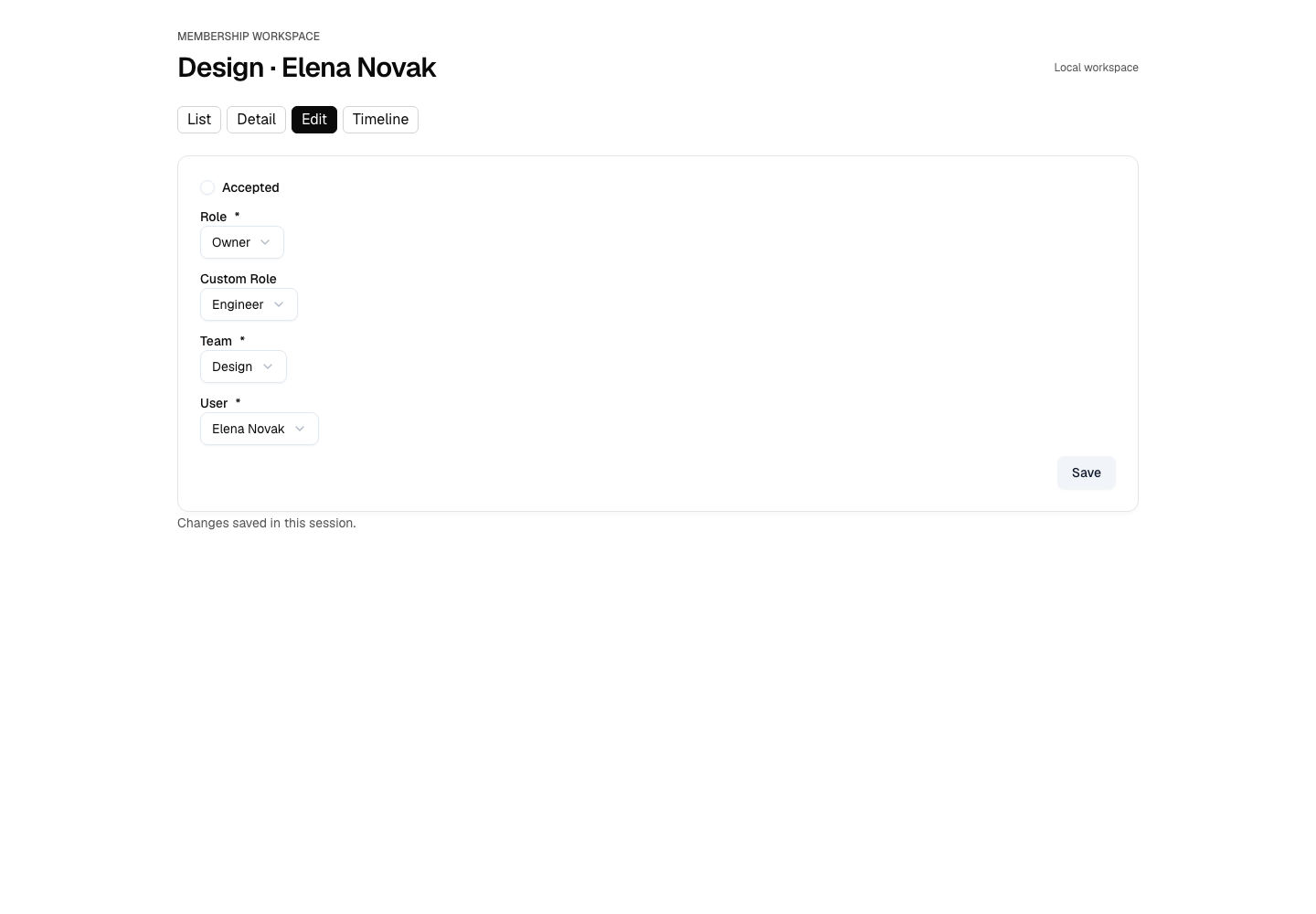
2214e9a0698c23b8502f5398abafc9760e8b355f424007df7090921d3dbec95d 13e70f7c36bcfabaa06a5639ae13f14bd3127c34977a0d044678099952ba78ae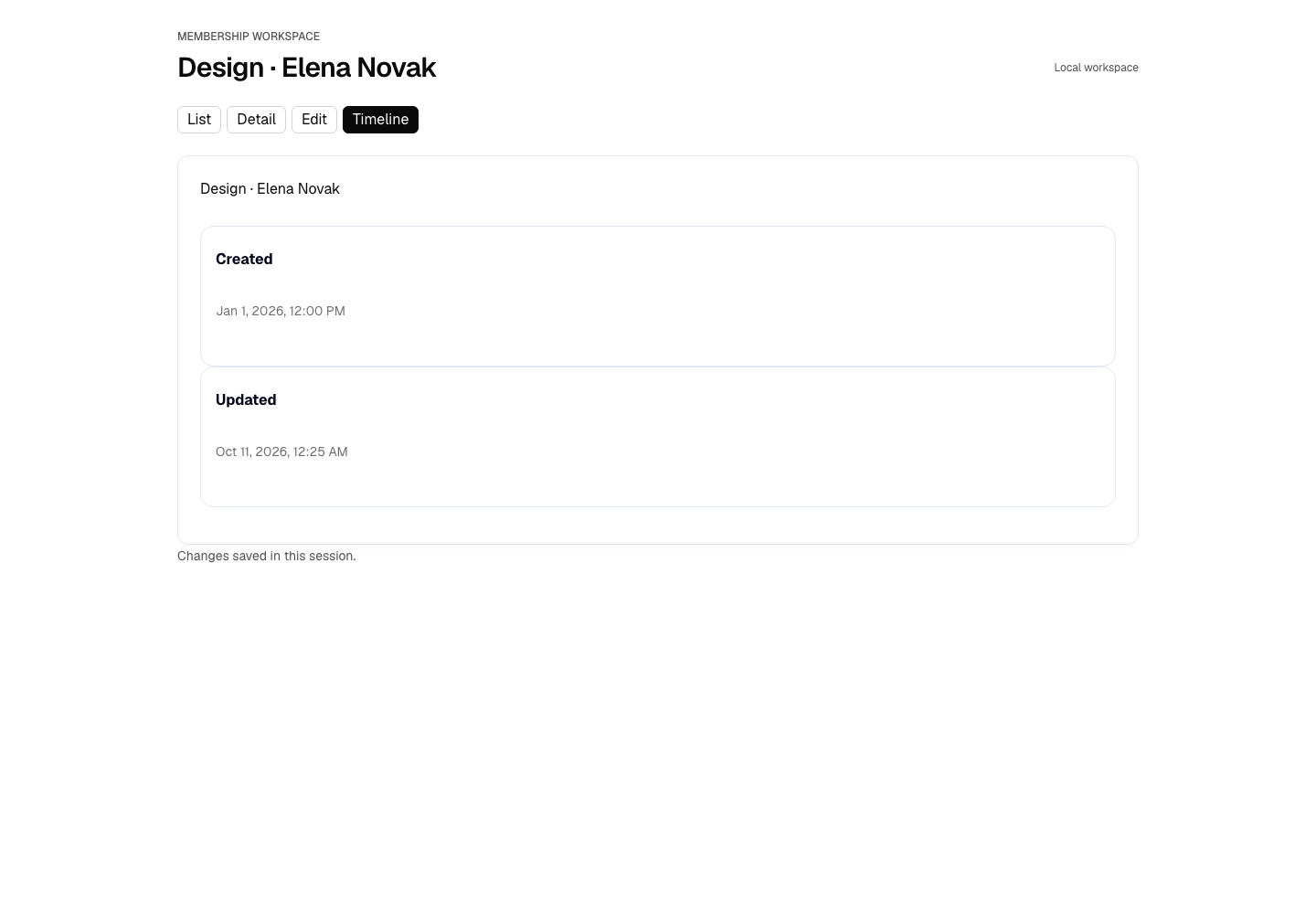
e2e3fe22aee2abbc6321206d92227cc23adae822b08b1bbfc6789a735d2265fdReact in dark
6b3a2896af2352c085802018e72dbdc92dab945d65def1123900653ca56a3924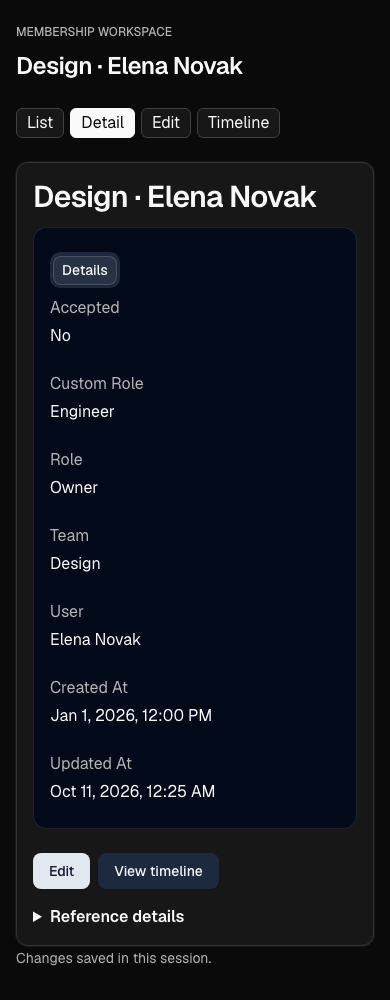
c34b5c992bbb158d2bf92a7b0a0b2fe041cf59a4431f2cfebc29093c4693ee09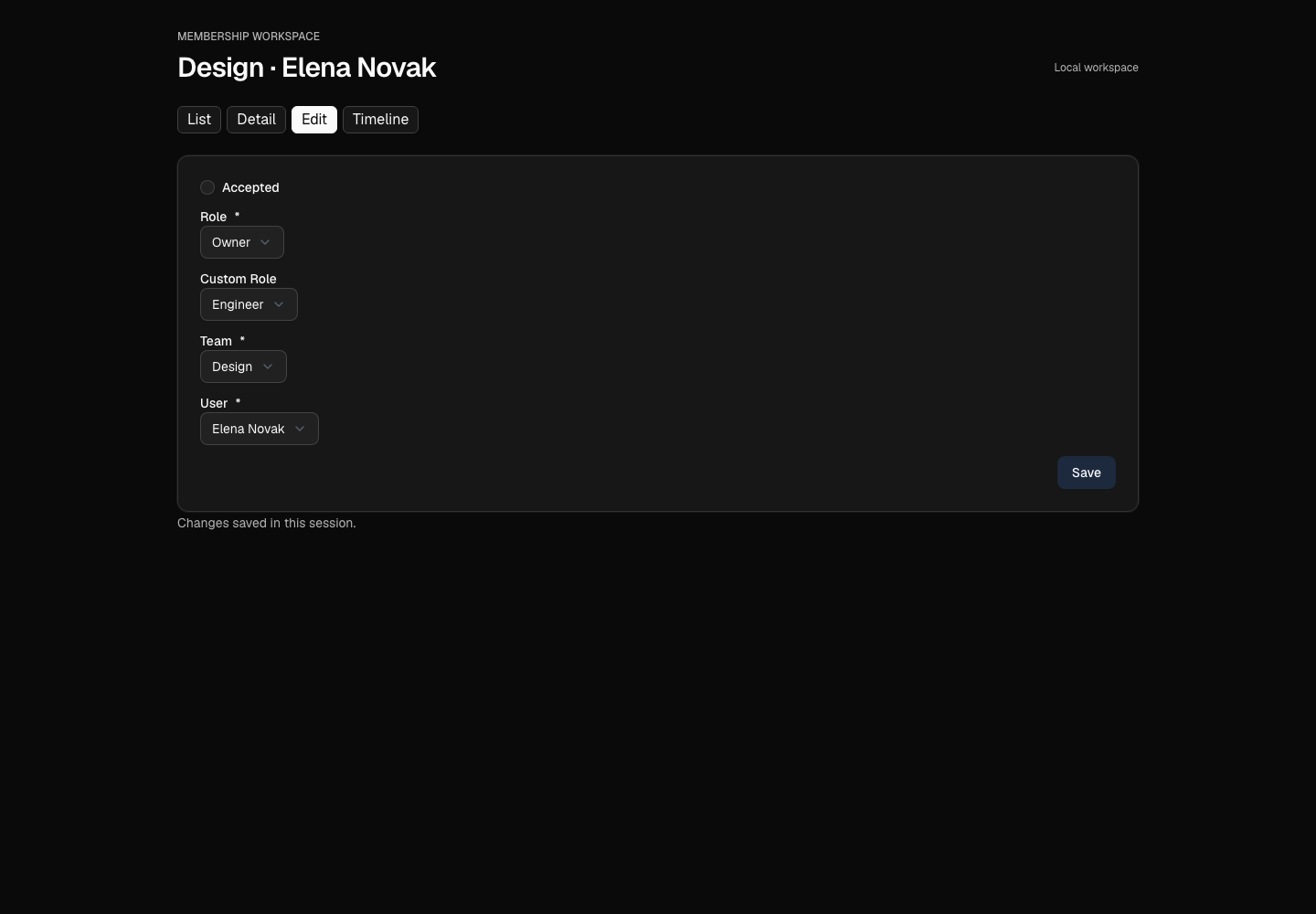
304a033badbdbef6f84bc562933e4a3993d908b652f24ada697d86214b82bead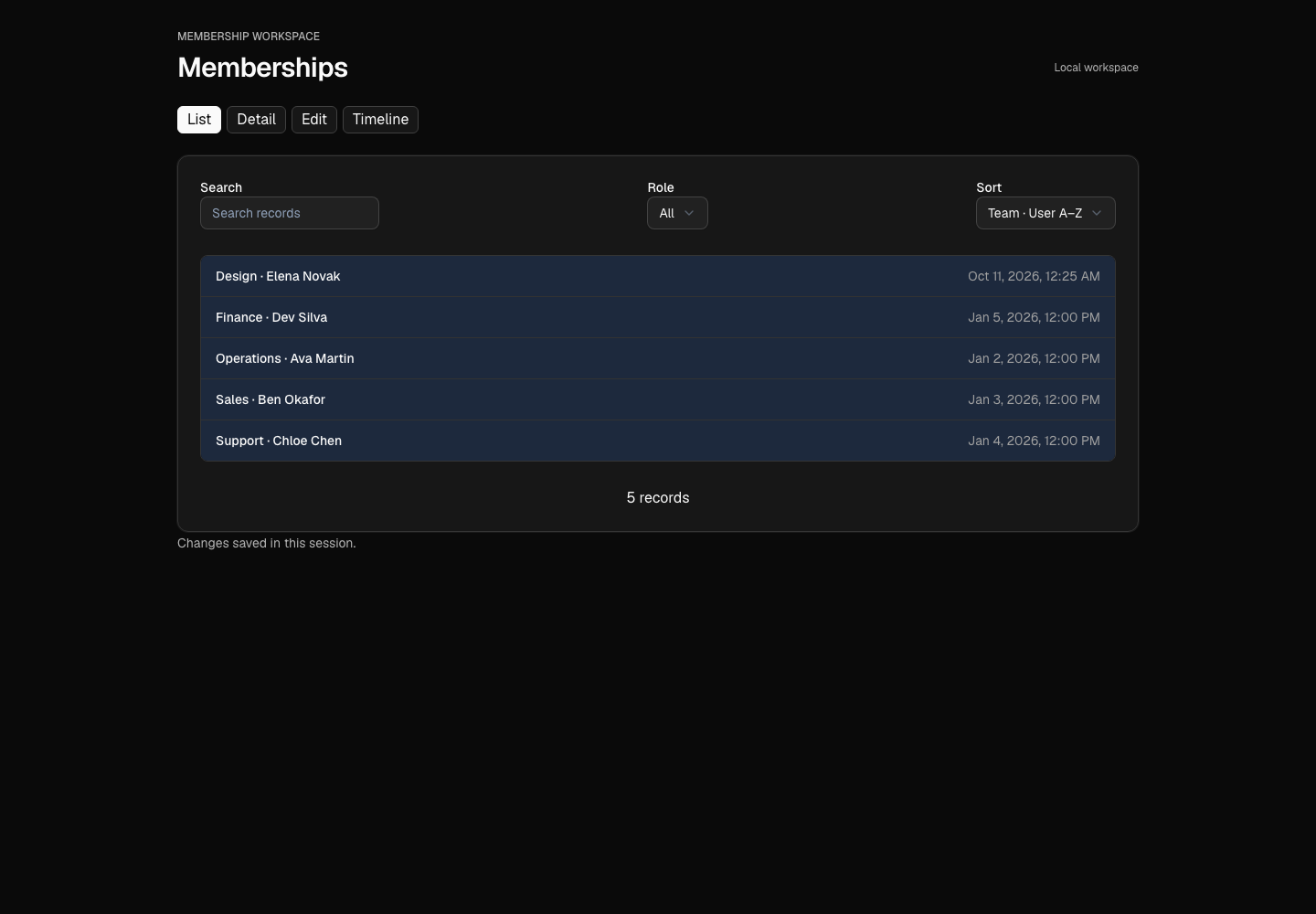
eba94512800b594effe9b53c709c13d8c708b20c512a63e93ccf84344a46dce3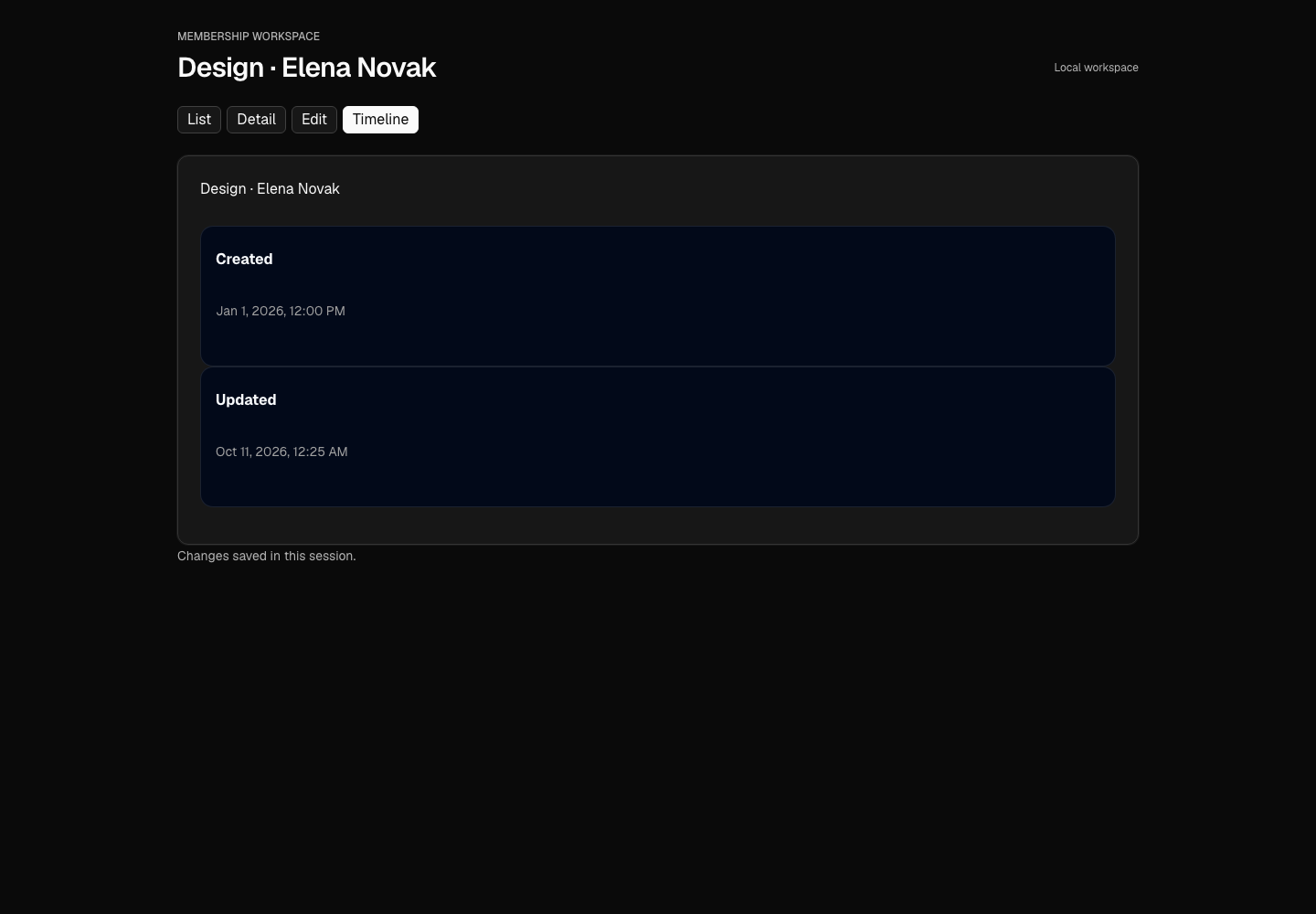
d4806bf6729589256b32bbd300e733083ab4081f3334a0a50a7d4f29ef05bfb3Vue in light
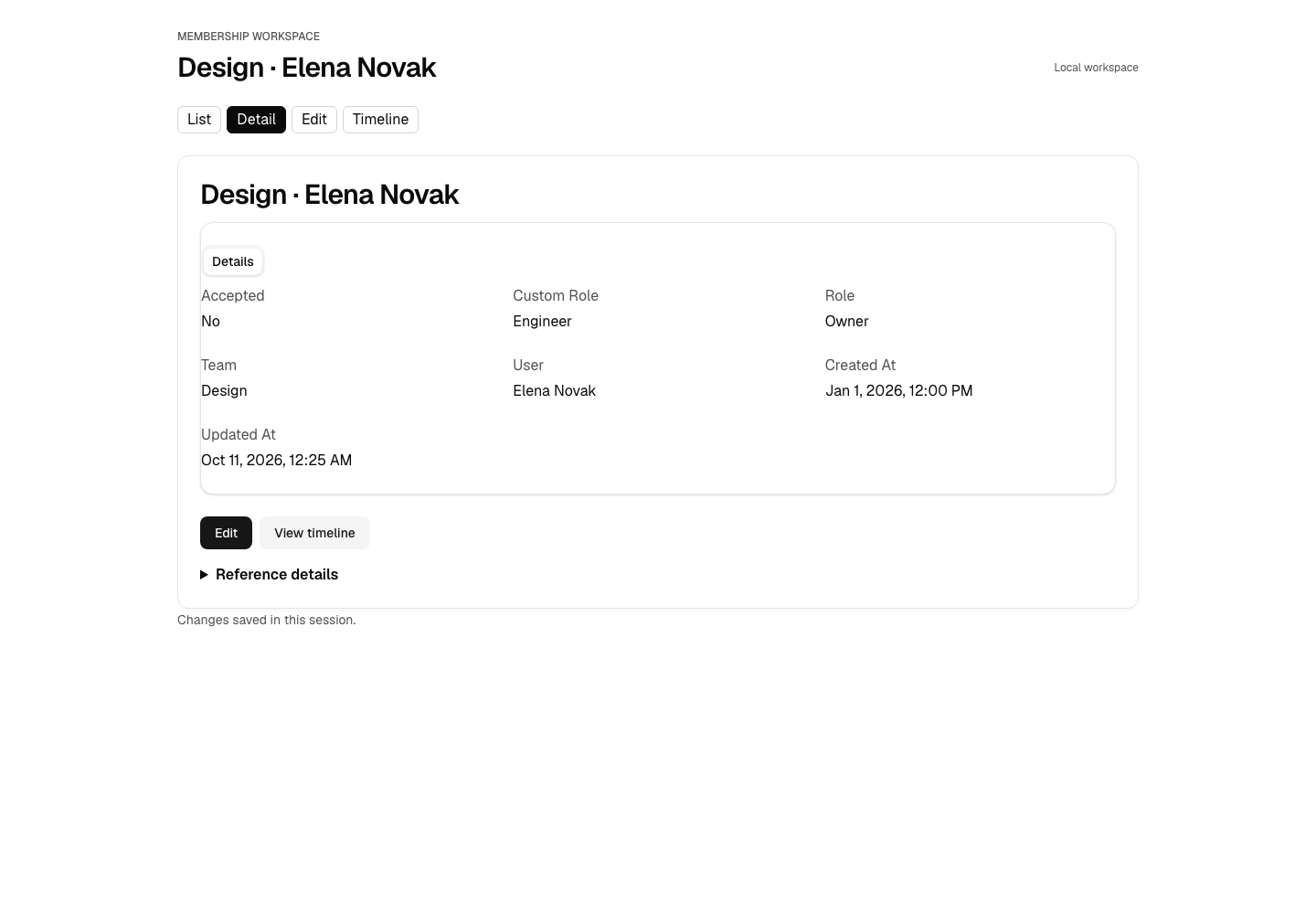
c3c7d35f5b32c15527f933cae85444f373ff750f730028d6fe0f6def5ac0ce46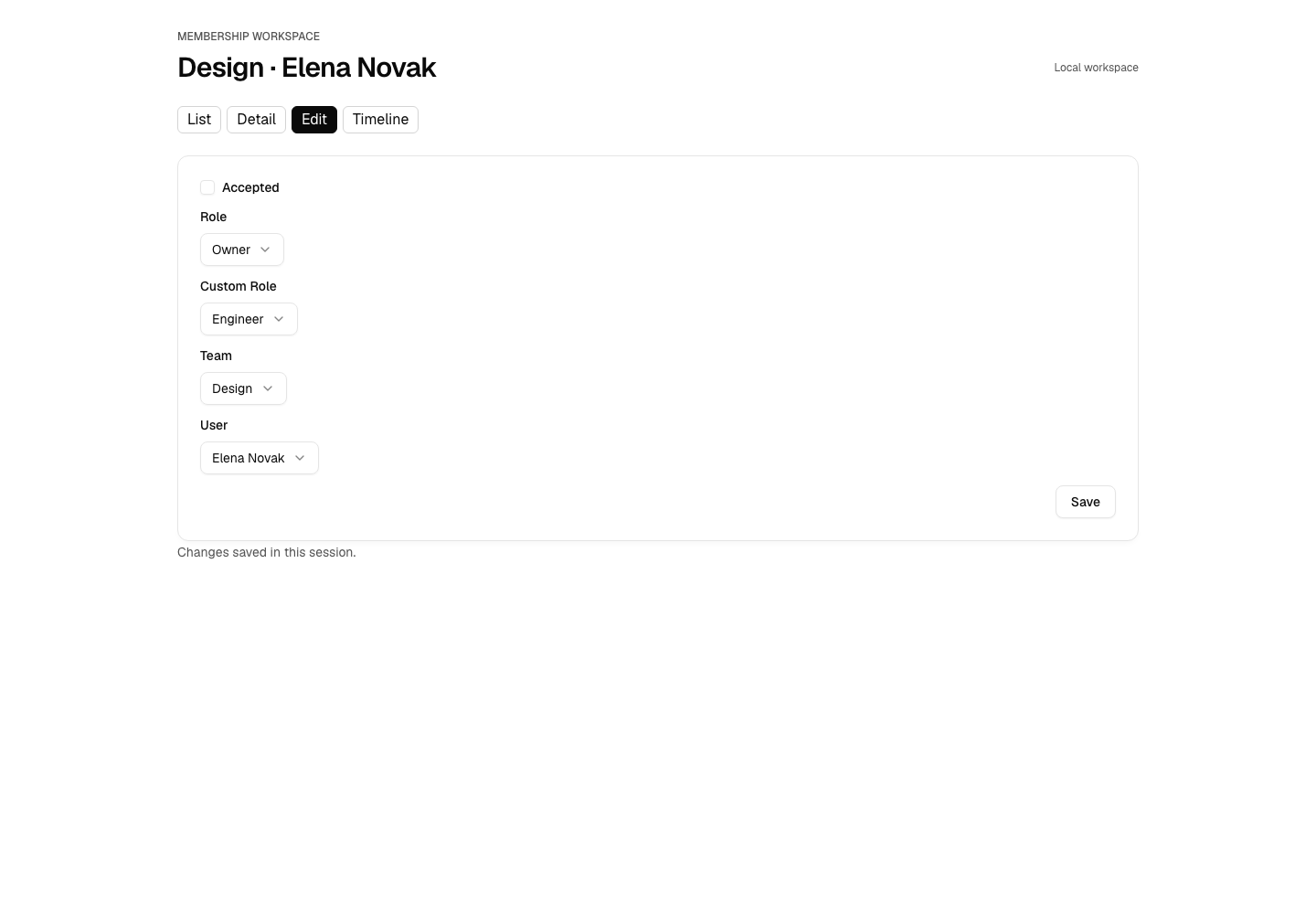
58d1da43b7e844396043eadd70863c861bb3ed6fcc87561f014806a3b2c7020a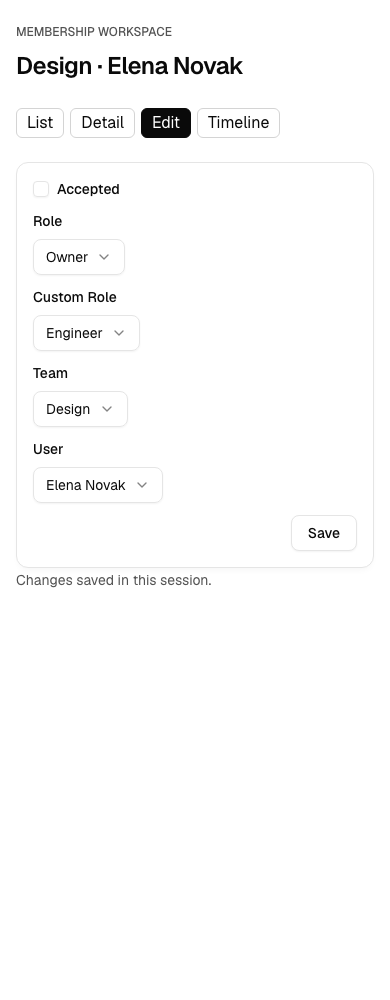
8f53e12385e03ebfd827d1033815846df7d728c06ac574542825068234af109c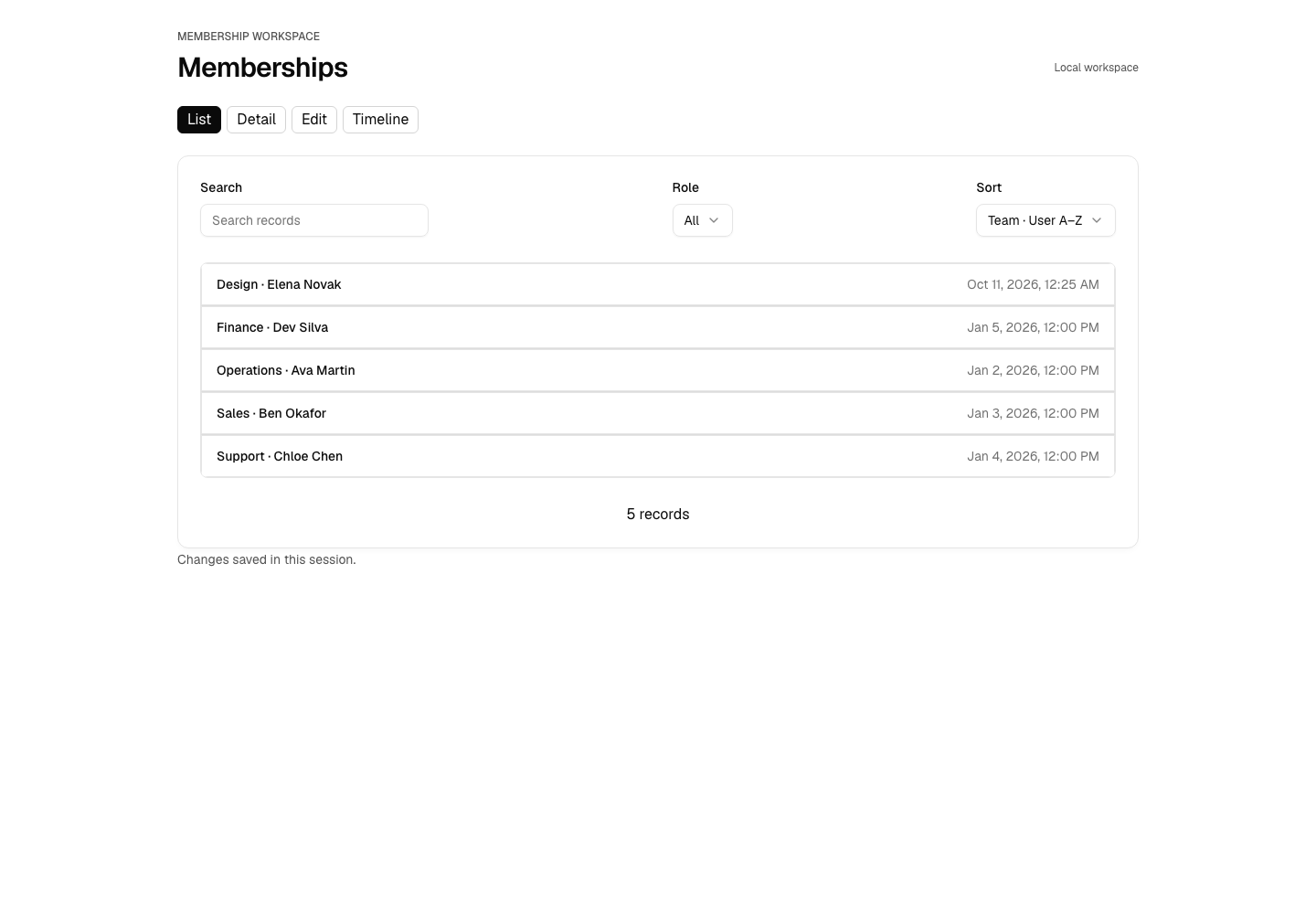
74e38ec1a3180655f414d3a0a971f78574222111b376679d341d4fdfe049a6d3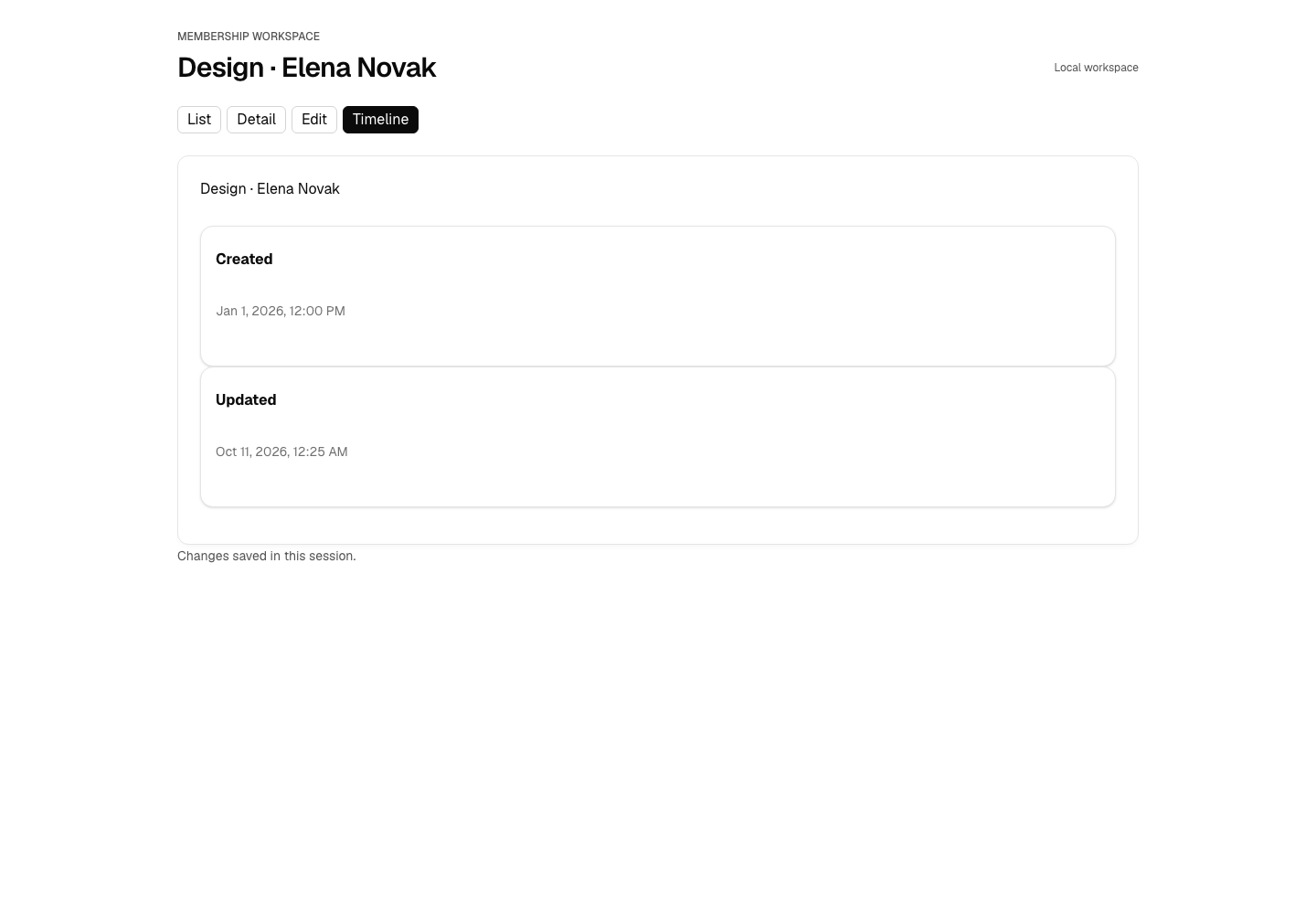
0571cdae62c95bfc11d8ba69f3125f870692d548ef2715cd1ca92dbfaea007caVue in dark
ae47adfff41122e38e7e25d4115ae90677b3ef117b35043f000ce9acc7ec29cd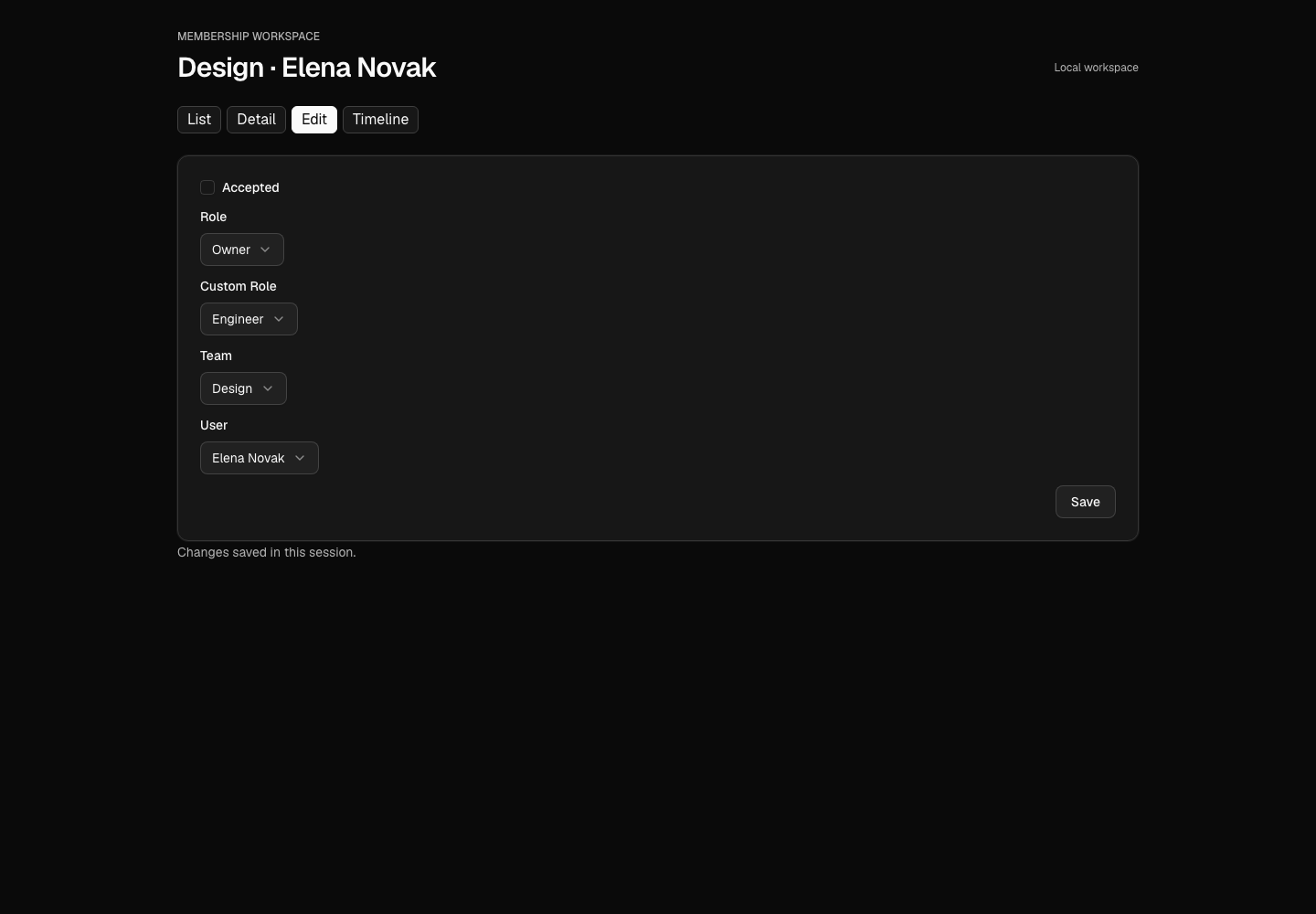
51101c245d1cea652d3a0a39bfbdf9ec4f3a7d2ca6fdb79d579edf75fe3c1202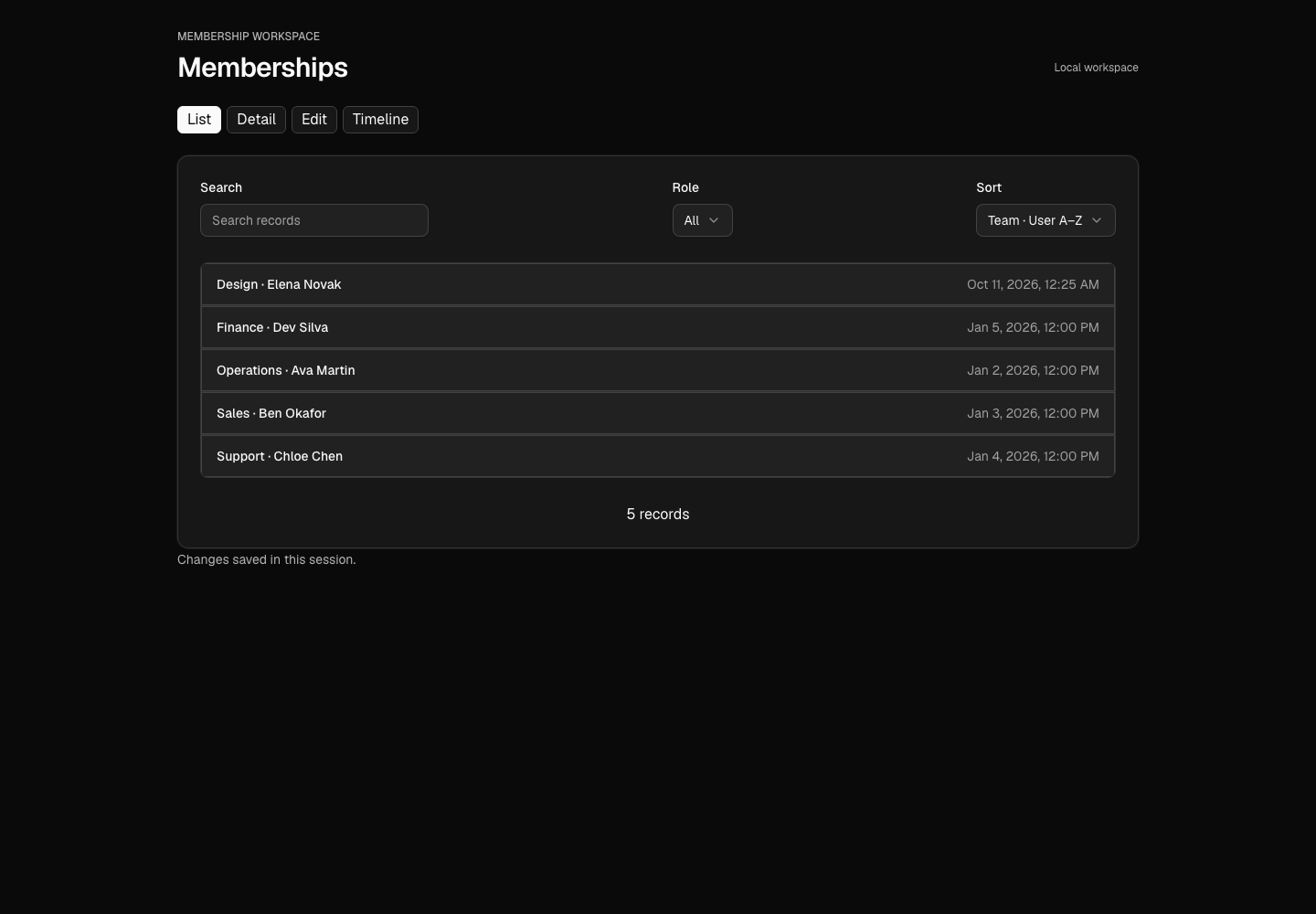
241f27d3d842740c564fd404f3e7254b78833809313f2cb02f76b431ea630735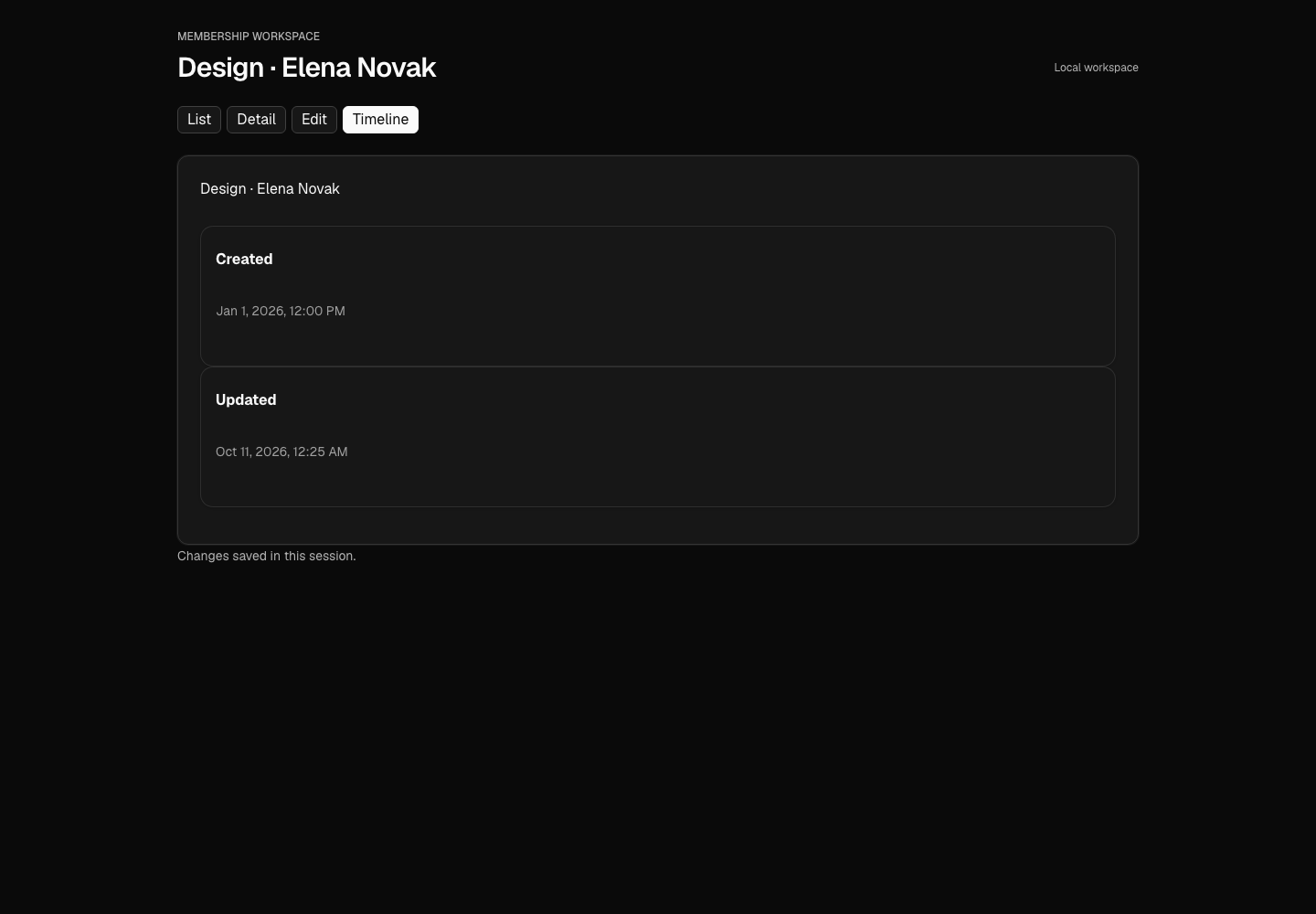
d0a7370fb61636ec248d590b15e11e69f0d358a16bfab2a62f91ad0bda28bc8eWhat the team checked
The OODS Foundry team reports 32 inspected screen states across React and Vue, desktop and phone, light and dark: 0 axe WCAG 2.2 A/AA violations, 0 page errors and no horizontal overflow. Both apps passed TypeScript checks and production builds.
Role filtering and reset worked. Changes to a role, related record and checkbox survived saving and reopening the form. The timeline uses declared timestamp events. These checks cover the example interactions, not the whole application. No broader certification is claimed. The component contract reports retain adapter limitations.
Run provenance
The original conversation used Claude Code 2.0.76 with the 0.11.1 candidate in a fresh profile and empty npm cache. The screenshots show the same accepted choices replayed with the 0.11.2 candidate, with no hand edits to imported objects, samples, compositions or generated files. All 4 OODS library pins per framework are 0.11.2.
The recording was compared and retained, not captured again. The public gallery's opening version sentence still says 0.11.1; the README and run metadata identify the rebuilt screenshots as 0.11.2.
Candidate and release identities
- Public v0.11.2 snapshot
b47736549084fb094cc32b1bdb00b4e1b00819d5- Original conversation candidate
01505a03b2277996089255bd55647f79443a743f- Screenshot candidate
effa2bb4698bc0da1a8e5e01ba85d7c449c2a106- Screenshot runtime archive SHA-256
95b8b016d8c537539935b1f5e61d2c3520dc371c12a7061b8d177ea39c08fe28- Recording freeze
37e13fe2c88cf4bb7578e0a5a09da61b2023e568
Sources and licenses
The schema and component authors do not endorse this demo. Third-party source stays in your scratch projects; this page distributes the OODS Foundry team's sample-screen images, recording and run documents.
Walkthrough at v0.11.2 · Recorded README · Recorded gallery document